-
Day 4 of #DoddieAid - adventuring across the local military firing range - survived.
Today’s miles: 5.41
January miles: 45.33If only someone would take the time to normalise the leaderboards ‘per member’. 👀 Everyone’s a winner.
-
Found myself writing only the slightest of AppleScript snippets tonight. The language is now over 38 years old, and still supported in macOS 12.1 (Monterey). It doesn’t get a lot of public-facing love. A lost opportunity, or feature overdue for retirement?
-
Day 3 of #DoddieAid - another dog walk and more indoor cycling.
Today’s miles: 17.06
January miles: 39.92You can support the My Name'5 Doddie Foundation in many ways, including by purchasing loud tartan underwear - why wouldnt you?
-
Toki Pona (kinda literally “The Language of Good”) has an alphabet of 14 characters, and a vocabulary of only a few dozen words.
Surely we could all pick that up? How about we give it a go this year? #TokiPona
-
Day 2 of #DoddieAid - more indoor cycling.
Today’s miles: 12.18
January miles: 22.86A smart trainer, a spare bike, and a Zwift subscription make a great indoor cycling setup.
-
Day 1 of #DoddieAid - beach walk with the dogs and a wee indoor cycle.
Today’s miles: 10.68
January miles: 10.68It’s not too late to join. Do some exercise, donate some money, and help cure Motor Neuron Disease.
Happy New Year!
-
My trusty 2014 MBP is still an amazing machine, but the temptation was too great. 👀
✅ M1 Pro
✅ XDR display with Promotion
✅ Touch ID
✅ macOS Monterey
✅ skipping all the models with no ports and keyboard issuesHere’s to the next seven years. 🍻
-
We should expect our children to leave indelible marks on our lives, but today our youngest took that literally.
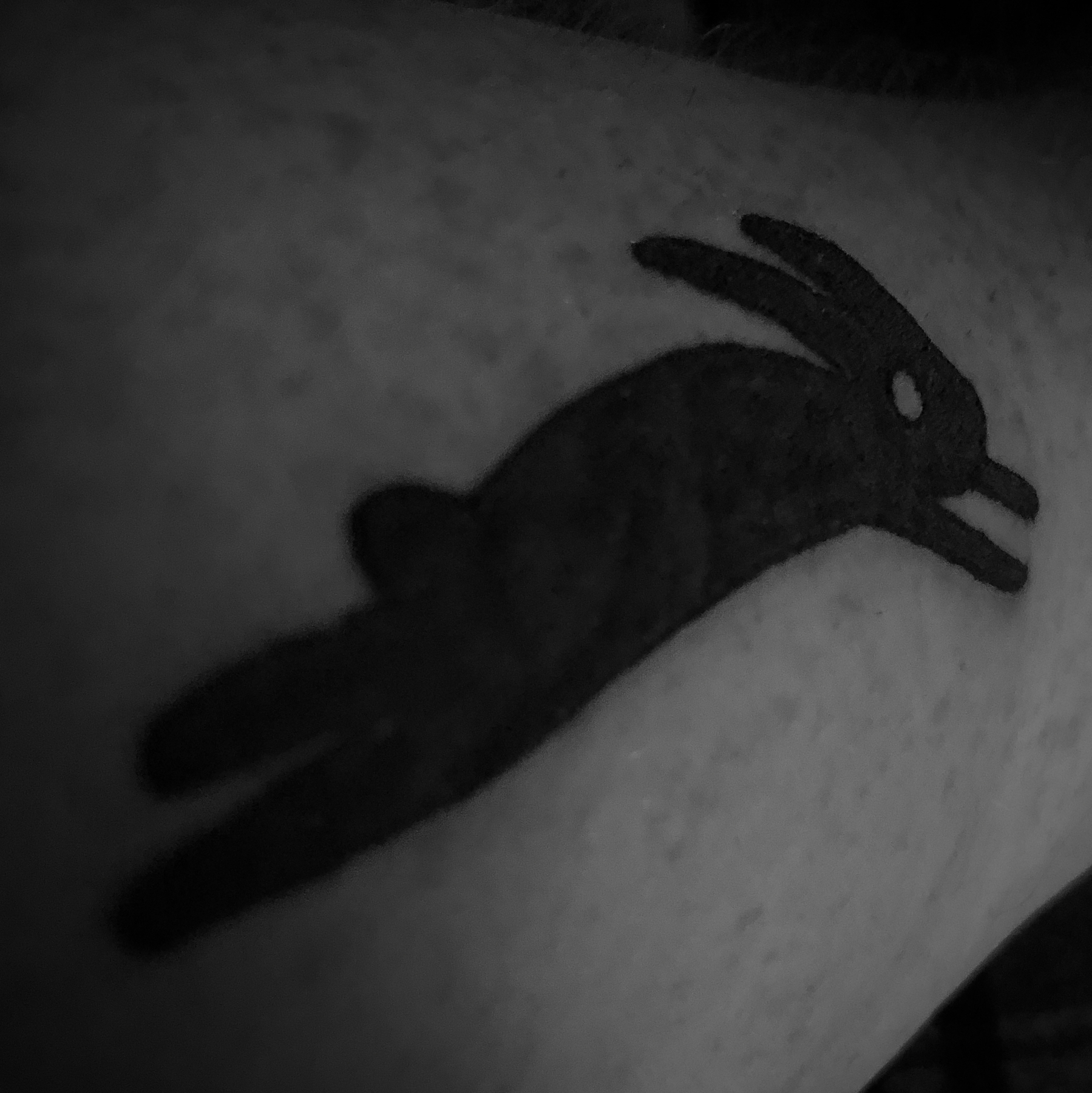
-
Instagram, $1 bn
Oculus VR, $2 bn
WhatsApp, $19 bnDNS SysAdmin? Priceless.
-
Vaccinated.
Virus: SARS-CoV-2
Vaccine: Pfizer-BioNTech
Dose number: booster
Superpowers: /dev/null -
Moving Day. It’s all about the state of mind. 🧘

-
Not sure why, but it catches me every year. Repeat after me:
WWDC keynotes are not really for developers.
WWDC keynotes are not really for developers.
WWDC keynotes are not really for developers.
WWDC keynotes are not really for developers.
WWDC keynotes are not really for… -
Somehow @siracusa’s games simultaneously captivate and dumbfound me.
The first person to identify the movie from which this portion of a frame was extracted will get a free t-shirt at https://t.co/bVIQ8dstkE pic.twitter.com/ovcOeX1yZF
— John Siracusa (@siracusa) April 29, 2021 -
Vaccinated.
Virus: SARS-CoV-2
Vaccine: Oxford / AstraZeneca
Dose number: 2
Superpowers: still nothing -
I am trying to burn command line Git into my brain, rather than using a graphical tool. The options are fine, but I need to actually get the command correct…
zsh: command not found: got -
Preparing to Ignore Files with Git and Xcode
Source code version control is a core competency of the modern developer. But sometimes the system and the environment can get in the way.
When using Xcode (or other tools) with services such as GitHub the default situation is to associate a folder with a new repository, including all files and subfolders contained within. This might also include some files or folders you might not want to include.
For example, macOS uses hidden files named
.DS_Store(Apple’s Desktop Services Store) to manage information about the state of local folders, and Xcode places files inxcuserdata/folders which trbck the state its own UI.Both of these are useful for the local user, but are unlikely to be so for others who might be working on your project code.
Before Your First Project
If you want to prevent all of your local projects including selected files or folders in their repositories, then you can update Git’s global settings.
Step One: create a .gitignore file
Create a file named
.gitignore_globalin your local user root directory. For example, by using the following command in the Terminal:touch ~/.gitignore_globalNote the
_globalsuffix to highlight to future you that this affects all repositories.Step Two: add the required rules to the .gitignore file
Using your preferred text editor, add the name of each file or folder that you want to be excluded from all of your Git repositories. For the examples above, the file would contain (with #-prefixed comments included):
# macOS
.DS_Store

# Xcode
xcuserdata/
There are other options, such as using wildcards, which can be explored as extended reading.
Step Three: Configure Git to use the .gitignore file
Use the Terminal to tell Git to use this list of files folders to be ignored when creating all new local repositories:
git config --global core.excludesfile ~/.gitignore_globalIgnoring by Project
You might want to ignore files on a project by project basis.
The process is the same, but in each project root folder you should include a
.gitignorefile, formatted as above.Fixing Files that Slip Through the Net
If you had already linked your Xcode project via Git, and after setting up your global, or per-project, ignore files, perhaps now have the odd erroneous file such as
.DS_Storein one of your repositories, you can remove the individual files from your repository:git rm --cached .DS_StoreThis will need done for each rogue file in your local repository, with files being removed from your remote repository on the next
git push. -
Our Professional Learning Community breakfast club continued today with a discussion abut metacognition:
All good teachers implicitly understand and support the metacognitive development of their students, but too rarely have/take the time to explicitly explore the topic.
-
It’s a small solar system (but I wouldn’t want to paint it)! Congratulations NASA! 🚀 🖖
I’m safe on Mars. Perseverance will get you anywhere.
— NASA's Perseverance Mars Rover (@NASAPersevere) February 18, 2021
#CountdownToMars -
Vaccinated.
Virus: SARS-CoV-2
Vaccine: Oxford / AstraZeneca
Dose number: 1
Superpowers: none yet detected